
In short
True Hybrid Play: How to Run Hybrid TTRPG Sessions with One Shared Table
Around the table, online or on the big screen—the session can continue together.
Everyone was meant to be around the table at seven. At half six, one player’s car decides it has completed its final quest. Another has suddenly lost babysitting cover. The snacks are open, the map is ready and the party is now distributed across three postcodes.
Traditionally, this is where the group begins the familiar ritual of deciding whether to cancel. With FableRealms Table, a change in somebody’s location does not have to become a change in the session date.
The players who can attend still gather in person. The stranded player joins online. The local group sees the shared scene through a television or projector, while other devices provide the controls and information each person needs. Everyone remains inside the same live Table session.
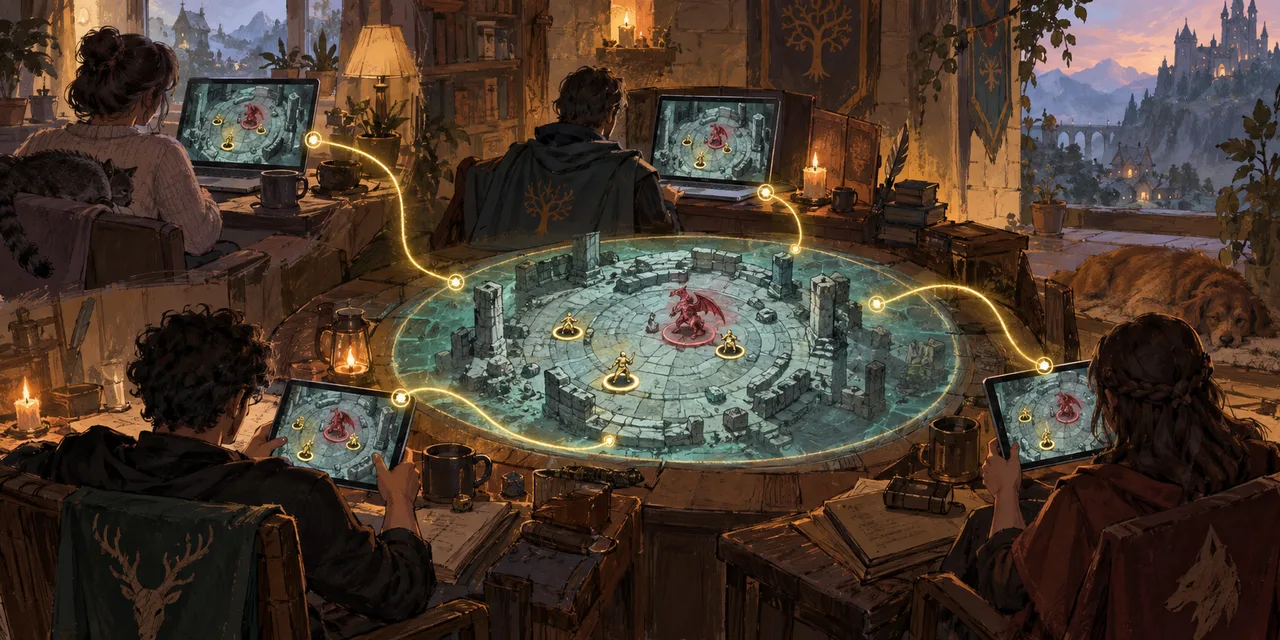
Media suggestion: A wide, hand-painted scene split naturally between a cottage game table and a remote player at home, connected by the same glowing fantasy map. Keep faces small and the technology subtle.
Hybrid should mean one game, not two audiences
A weak hybrid setup makes the remote player feel like a guest watching somebody else’s session. The people in the room can see the map, hear the side conversations and point at things naturally. The online player receives a camera angle, a delayed explanation and the occasional “sorry, what did you say?”
True hybrid play starts with a different idea: everybody should participate in the same game state, even when they are using different views.
That does not mean every screen should look identical. The DM needs controls. A remote player needs their character, scene and interactions. The people around the physical table need a clean shared display without the DM’s notes, menus and secrets. The important part is that those views belong to the same session rather than drifting into separate versions of events.
This is the role of FableRealms Table: the live session layer for online, local and projected play.
Why I built Projector View into Table
One of the reasons I started the whole Table project was painfully ordinary: I was paying £3.99 every month for a projector app.
That subscription did one narrow job, did not always do it correctly and could fall out of sync with the game. I was already paying for the privilege of persuading a projector to show a map; I did not want to spend the session persuading the map to remember what was happening.
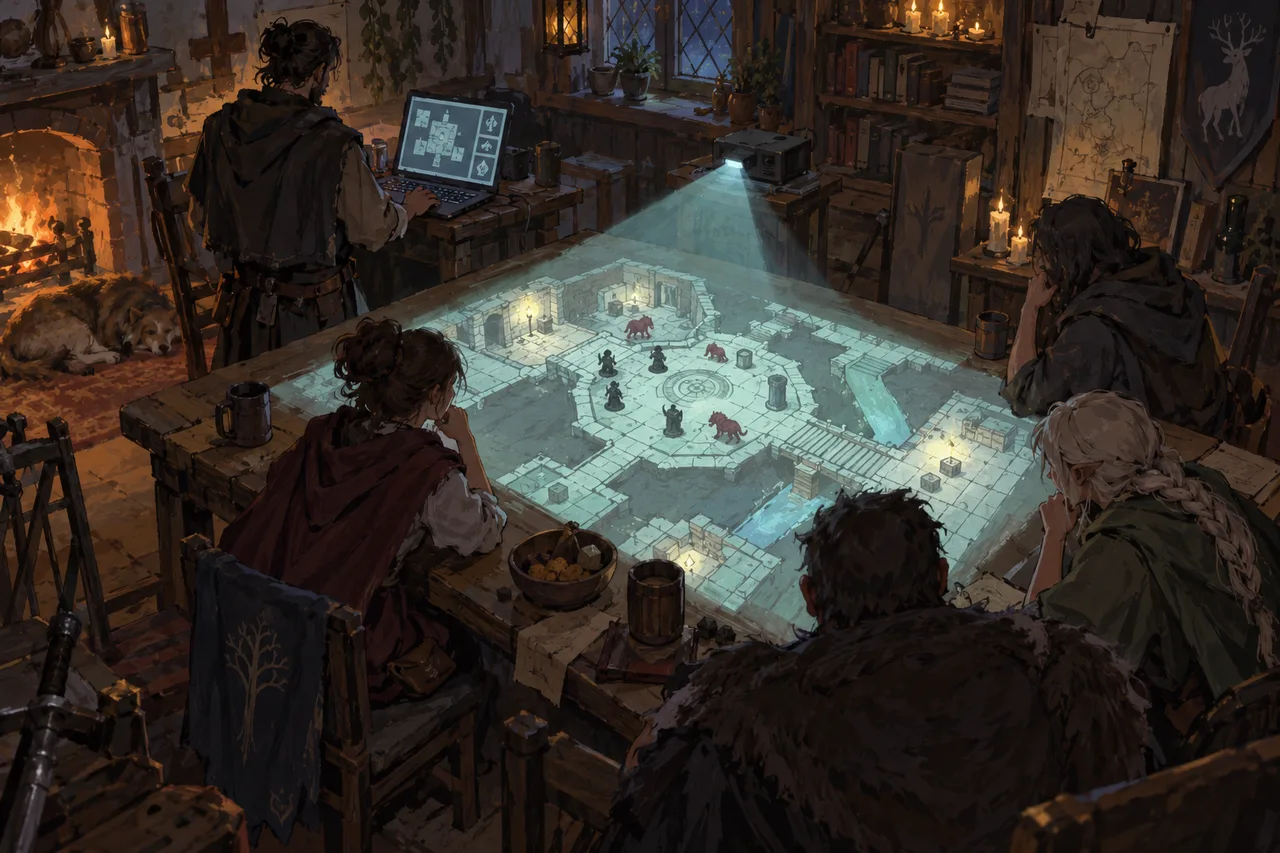
So Projector View became part of FableRealms Table rather than another disconnected extra. It gives the room a clean, player-friendly display for a television, monitor or projector, with the DM interface and private clutter removed. The projector follows the DM’s broadcast camera and receives supported live changes from the same Table session.
Projector View is included as part of the free Storyteller Table tools listed in the current FableRealms plans. It is not a separate projector subscription waiting behind a suspiciously small monthly charge.
One Table, three useful views
FableRealms Table separates the live game into views designed for the people using them.
DM View
The DM runs the session from the main control workspace. This is where you manage scenes, tokens, encounters, initiative, fog, lighting, doors, handouts, dice and table updates. You can also open player and cinematic previews before the session begins.
Player View
Online players join through a focused view showing the current scene and their relevant character information. Supported controls include moving owned or assigned tokens, viewing initiative, using quick dice, receiving handouts and seeing live scene changes. Local players can also use Player View on their own devices when that suits the table.
Projector View
Projector View is a dedicated, read-only presentation for the room. It can follow the DM’s camera, show the live map, receive scene replacements and display supported elements such as initiative, dice results, pings, fog, lighting, weather, handouts and DM messages. The DM can also use a map-only layout when the side panel is not wanted.
These views connect to the same live Table room. A door opened by the DM, a scene change, an initiative update or a shared dice moment can be sent to the relevant connected views without maintaining a separate local copy of the encounter.
What a sudden hybrid session looks like
An imagined example based on the supported Table workflow.
At 6:20pm, Sam messages the group: the car will not start. Everyone else is already travelling to the host’s house.
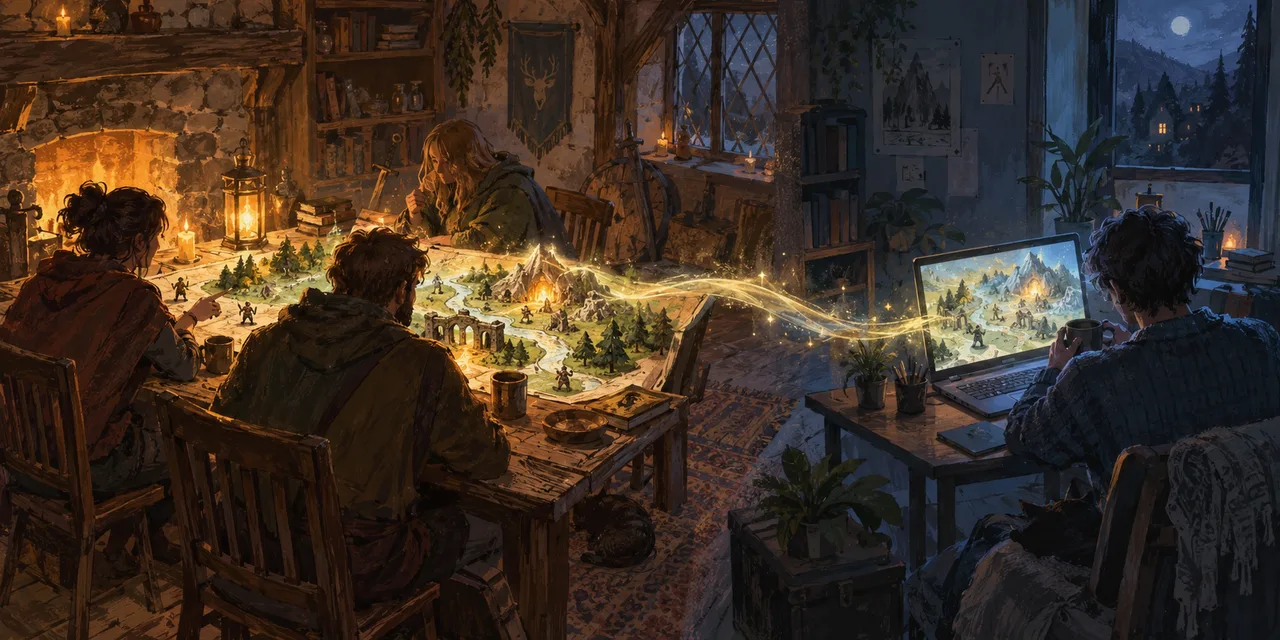
The DM continues with the prepared Table session. The local players gather around the physical table and use the television for Projector View. Sam joins remotely through Player View and controls their assigned character from home.
When the DM changes scene, the local display and Sam’s view receive the new live scene. During combat, initiative gives the whole group the same turn order. Shared dice results appear as part of the session, while pings help Sam indicate the suspicious doorway everyone in the room has been pointing at with actual fingers.
The audio still needs an ordinary voice or video call because Table does not currently provide built-in voice chat. A room microphone and speaker may also be needed so the remote player can hear the whole group clearly. Table keeps the game state together; sensible audio setup keeps the people together.
Media suggestion: A visual walkthrough showing a remote player, a DM laptop, a projected map and two local player devices, all displaying the same encounter from appropriate viewpoints.
Prepare for hybrid before you need it
The best time to test hybrid play is not seven minutes after somebody reports a smoking engine. Before your next session:
Open all three views. Check DM, Player and Projector View against a demo scene.
Test the room audio. Put the remote device where it can hear the whole table, not directly beside the person eating the loudest crisps in Britain.
Choose the shared display. Use a television, monitor or projector and test fullscreen, visibility and the DM camera.
Check player control. Confirm the remote player has the correct character and can control the intended token.
Keep a join route ready. Do not make a stranded player solve access and character selection while everyone else waits.
Hybrid play works best as a standing option, not an emergency invention. Once the group knows the routine, “I cannot get there” can become “send me the link” rather than “see you all next month”.
Frequently asked questions
Can online and in-person players use Table together?
Yes. Table supports online and local play within the same live session. Remote players can use Player View while the in-person group shares Projector View on a television, monitor or projector, with the DM controlling the session through DM View.
Does Projector View show the DM’s private controls?
No. Projector View is a clean, read-only presentation intended for the players in the room. It removes the DM workspace and does not provide token dragging, local panning or editing controls from the projected display.
Do local players need individual devices?
Not necessarily. A group can use Projector View as its shared display, although individual devices may still be useful for character information and player controls. The right arrangement depends on whether you use digital tokens, physical miniatures or a mixture of both.
Is Projector View free?
Yes. The current FableRealms plans include DM Table—including DM, Player and Projector views—on the free Storyteller plan. Players can join Table without a paid player subscription.
Does Table include voice or video chat?
No. Built-in voice and video chat are not currently part of the verified Table feature set. Hybrid groups need a separate audio or video call, plus a suitable microphone and speaker arrangement for the people around the physical table.
Does every Table feature appear identically on every view?
No. Each view is built for a different audience, and some display features have different controls or current limitations. The shared live state connects the session, but the DM workspace, Player View and Projector View deliberately do not expose identical interfaces.
Let the location change—not the adventure
Hybrid play will not fix the car or restore the babysitter. It can stop either problem from automatically taking the whole campaign down with it.
Prepare one Table session, give each person the view they need and keep the local and remote party inside the same encounter. The chairs may be spread across several rooms, but the story can still move forward together.
Explore FableRealms Table or create a free account to test your own hybrid setup.