
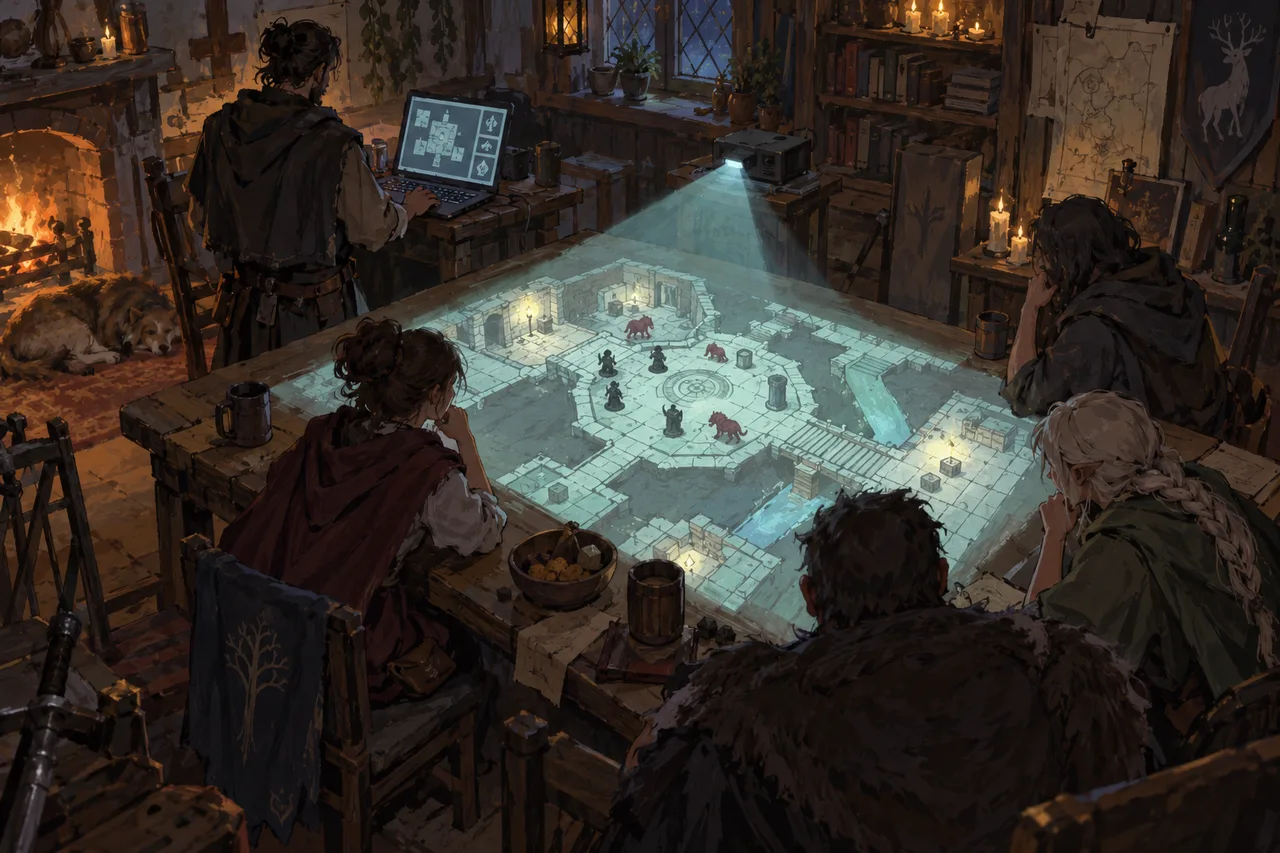
In short
FableRealms lets you prepare a map in WorldBuilder, launch it into Table and show a clean Projector View while keeping the controls and hidden information on your private DM View. Measure your table and check the projector’s exact image size before buying, because a larger projection can create more bleed without giving your players a better view.
A short-throw projector sounds ideal for a gaming table. Then you switch it on and discover that four feet gives you an 85-inch picture—far larger than the surface below it. The dungeon spills across the table and much of that impressive image is unusable.
That was my mistake, and it taught me that bigger isn’t always better. A good D&D projector setup starts with the map area you can actually use.
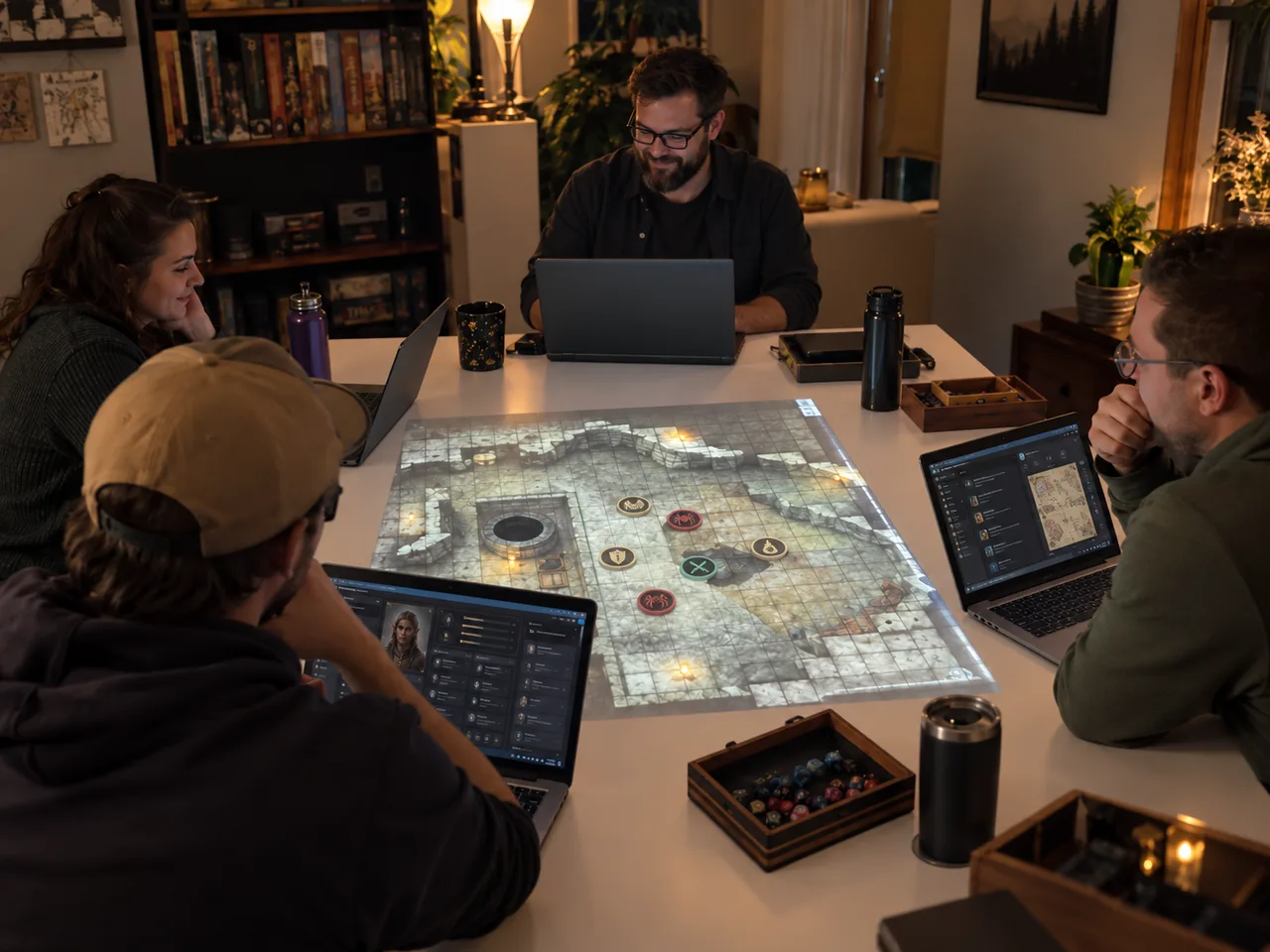
Measure the table before choosing the projector
Mark the intended image area with masking tape, leaving space for miniatures, character sheets and drinks. Measure its usable width and height, then the realistic distance from the projector lens to the surface.
The useful specification is the throw ratio:
Throw ratio = lens-to-screen distance ÷ image width
An 85-inch 16:9 image is roughly 74 inches wide. With the lens 48 inches away, its throw ratio is about 0.65. If your table only fits a 55-inch-wide image, it will overshoot considerably.
“Short throw” means a relatively large image from close by; it doesn’t guarantee a good fit. Check the exact model’s distance table or calculator before buying, as zoom and mounting position also matter.
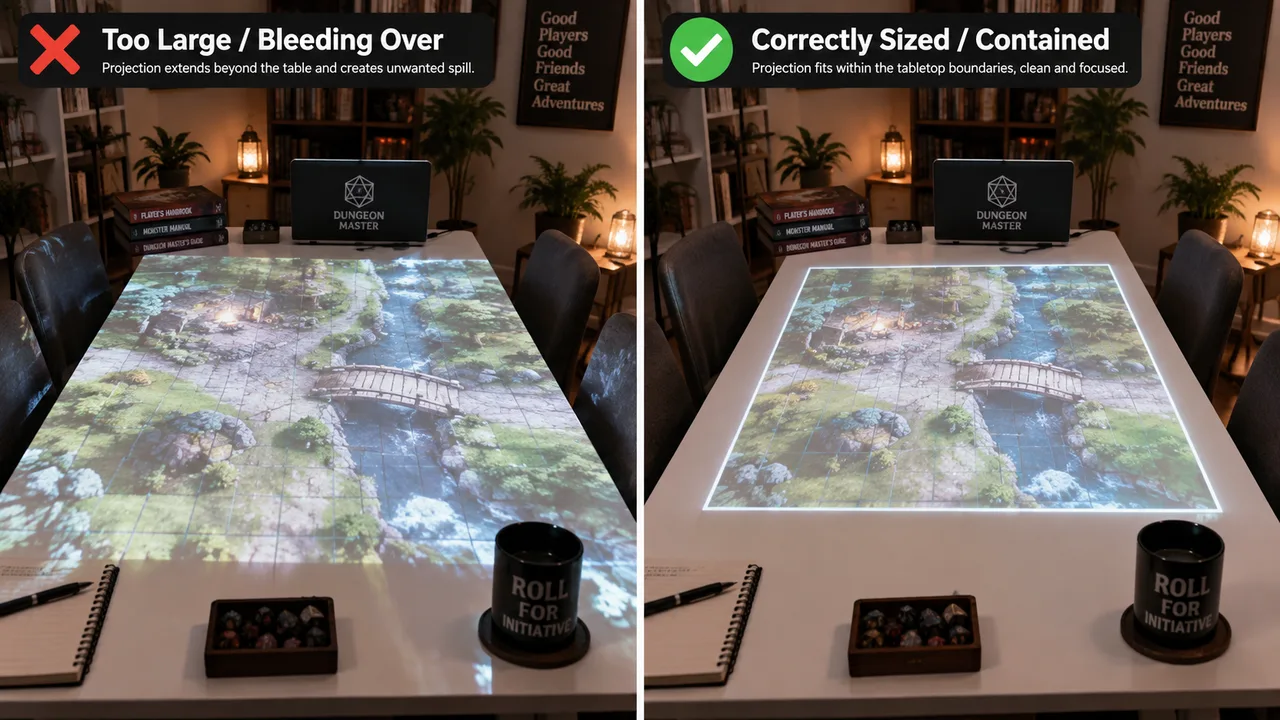
Why a huge image can make play worse
An oversized image creates bright spill beyond the surface and consumes space the group still needs for physical play.
The projected area doesn’t need to display an entire dungeon. In FableRealms Table, Projector View follows the DM’s camera. Move and zoom the DM View to focus on the room, street or encounter in play. The projected display is read-only, so the DM retains control.
This can’t correct an image that physically extends beyond the table; that requires the right projector position and settings. It does let a sensible display present a close, legible view.
What to check before you buy
Once the geometry works, compare the practical details:
Brightness: More brightness can help in a lit room, but test in similar conditions if possible.
Native resolution: Grid lines and small tokens must remain clear at your chosen size.
Fan noise: The unit may sit close to players, so listen to it in a quiet room.
Mounting and focus range: Confirm that you can secure and focus the unit at the measured distance.
Wireless display support: Casting avoids a cable across the room. Keep a wired fallback because performance depends on the projector, computer and network.
Don’t buy from the label alone. Put the measurements for your table beside the manufacturer’s figures and choose the model that produces the right image at the distance you actually have.
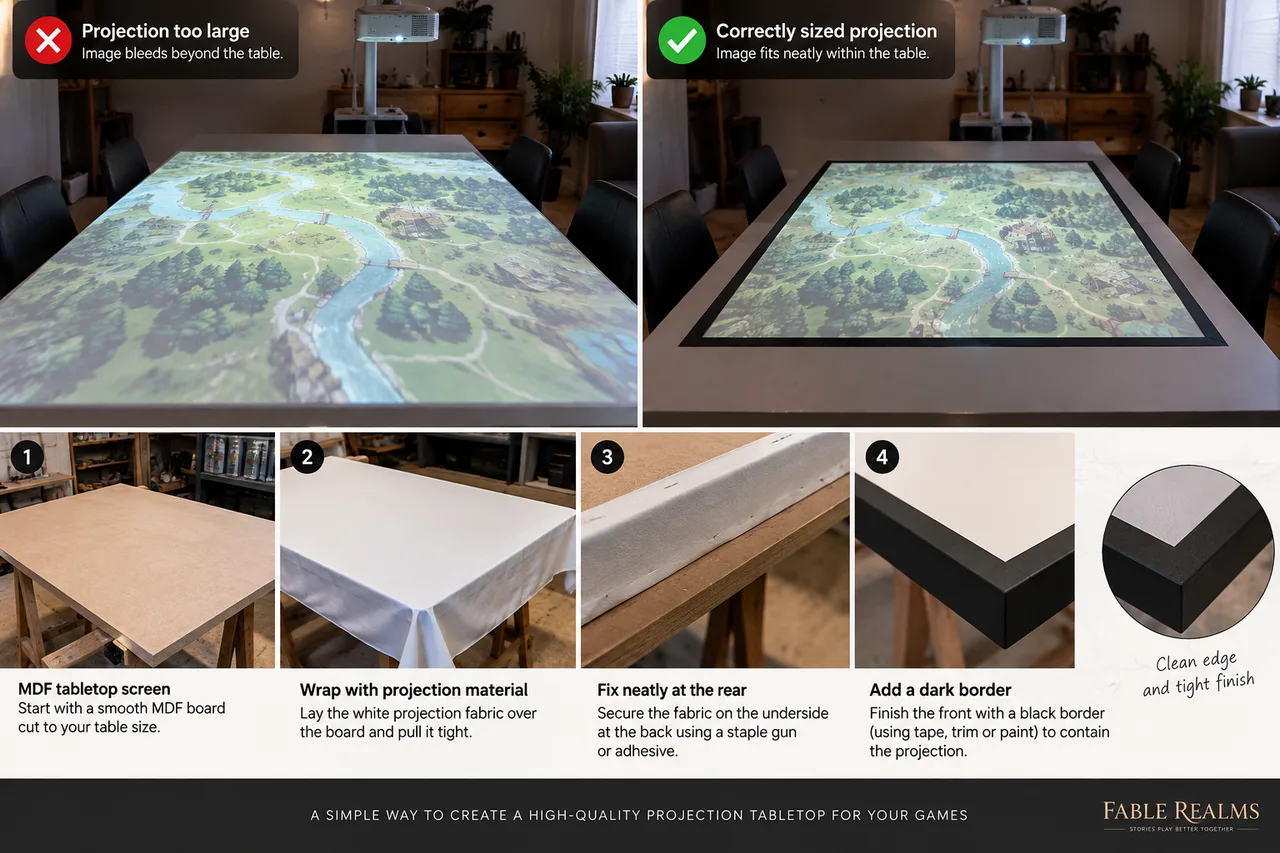
Build a simple tabletop projection surface
A rigid board and projector-screen material can create a clean, removable play area.
One option is MDF cut to the measured size and covered with projector-screen material. Decide the aspect ratio first, finish exposed edges and support the board so it stays flat. Large sheets can be surprisingly heavy.
Lay the material square and tension it evenly from the centre towards the corners. Fix it at the back with staples or a manufacturer-approved adhesive; test adhesives on an offcut. A matte-black felt or tape border can absorb small alignment errors.
Cutting and sanding MDF produces fine wood dust. Use effective extraction and suitable respiratory protection, following the UK Health and Safety Executive’s wood-dust guidance. Secure the screen and projector properly; use a competent installer if you’re unsure about an overhead fixing.
Keep the projector public and the DM screen private
Connect the projector, then set the computer to extend its desktop rather than mirror it. Keep FableRealms’ DM View on the laptop and move a separate Projector View tab onto the projected display. Put that tab into full-screen mode once it is in place.
DM View contains the controls and private information; Projector View provides the clean public display. FableRealms filters hidden or unrevealed tokens from it, and the projector follows the DM camera without giving players control.
Disable desktop notifications and check which screen opens new windows. That prevents a private message—or tomorrow’s meeting reminder—from becoming the evening’s most memorable handout.
Run a complete practice scene before game night!
I can not stress this enough! Test the whole route from map preparation to the projected table.
Create a test encounter in WorldBuilder. Import a map, align its grid, then add a few walls, doors, lights and tokens. One room and a corridor are enough.
Prepare the party in GuildHall, launch the session into Table, and open Projector View in another tab. Move it to the extended display and make it full screen. Use DM View on the laptop to confirm that the projected camera follows. Test tight and wide views, fog and hidden tokens.
Local players can share the projection without individual screens. Somebody who can’t attend can join through Player View while the table watches Projector View. Table updates the connected session views in real time, but voice or video chat needs a separate service.
Test wireless casting for lag or dropouts, then confirm your backup cable works. A rehearsal is easier than diagnosing displays while six players discuss whether the projector is the final boss.
Frequently asked questions
Is a short-throw projector best for a gaming table?
Not automatically. It can reduce shadows where mounting distance is limited, but may produce an image larger than your table. Measure the lens-to-surface distance and target width, then check the exact model’s calculator or manual.
How do I work out the right projector image size?
Measure the usable table area first. Use the exact projector’s distance chart or calculator to confirm its throw ratio and zoom can produce that image from the planned lens position. Mark the area with tape before buying.
Does every player need a device?
No. Players around the table can share Projector View while the DM keeps private controls on a laptop. A remote player can join the same Table session through Player View using a suitable device and internet connection.
How do I stop players seeing DM information?
Extend the desktop rather than mirroring it. Keep DM View private and place only Projector View on the public display. FableRealms filters hidden content, but also disable notifications and check where new windows open.
Is wireless casting better than using a cable?
Wireless casting avoids a cable across the room, but reliability varies by equipment and network. Test it and keep a compatible HDMI or USB-C connection ready. Use extended-display mode rather than mirroring.
Does FableRealms calibrate the physical projector for me?
No. FableRealms provides the map, DM controls and Projector View; image size, focus, keystone and alignment are handled through the projector and computer. Set those manually, then use the DM camera to frame the map.
Your first projected session doesn’t need an elaborate map or a permanent installation. Measure carefully, build one simple WorldBuilder scene and practise moving between DM View and Projector View. Once that small setup works reliably, you can add more ambitious maps without changing the basic workflow.
Explore FableRealms Table or create a free account and use a test encounter to check your setup before the players arrive.